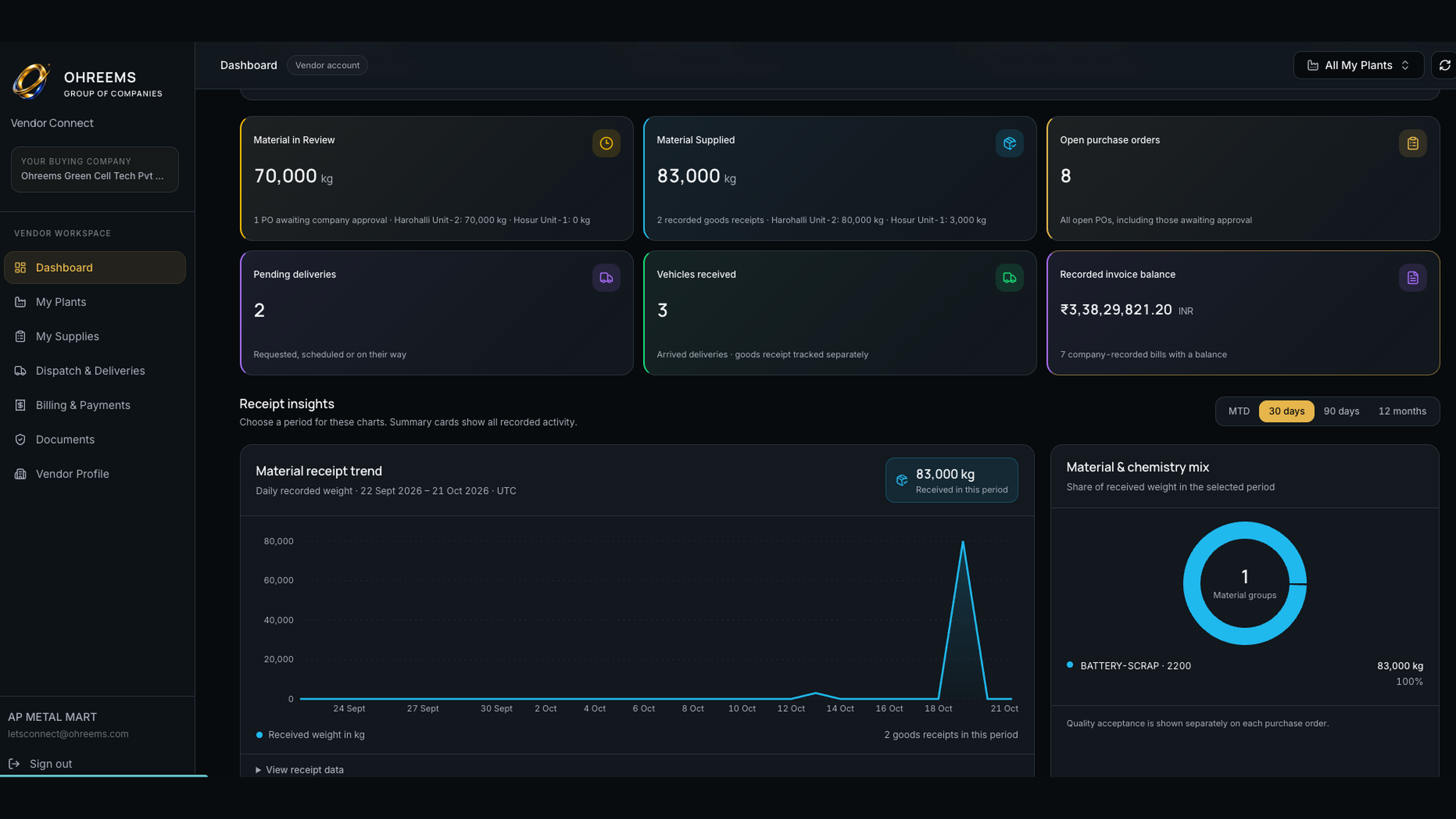
Dashboard & Receipt Insights
View material in review, supplied quantities, open purchase orders, pending deliveries, vehicles received and recorded invoice balances. Explore receipt trends and material or chemistry breakdowns for the selected plant.
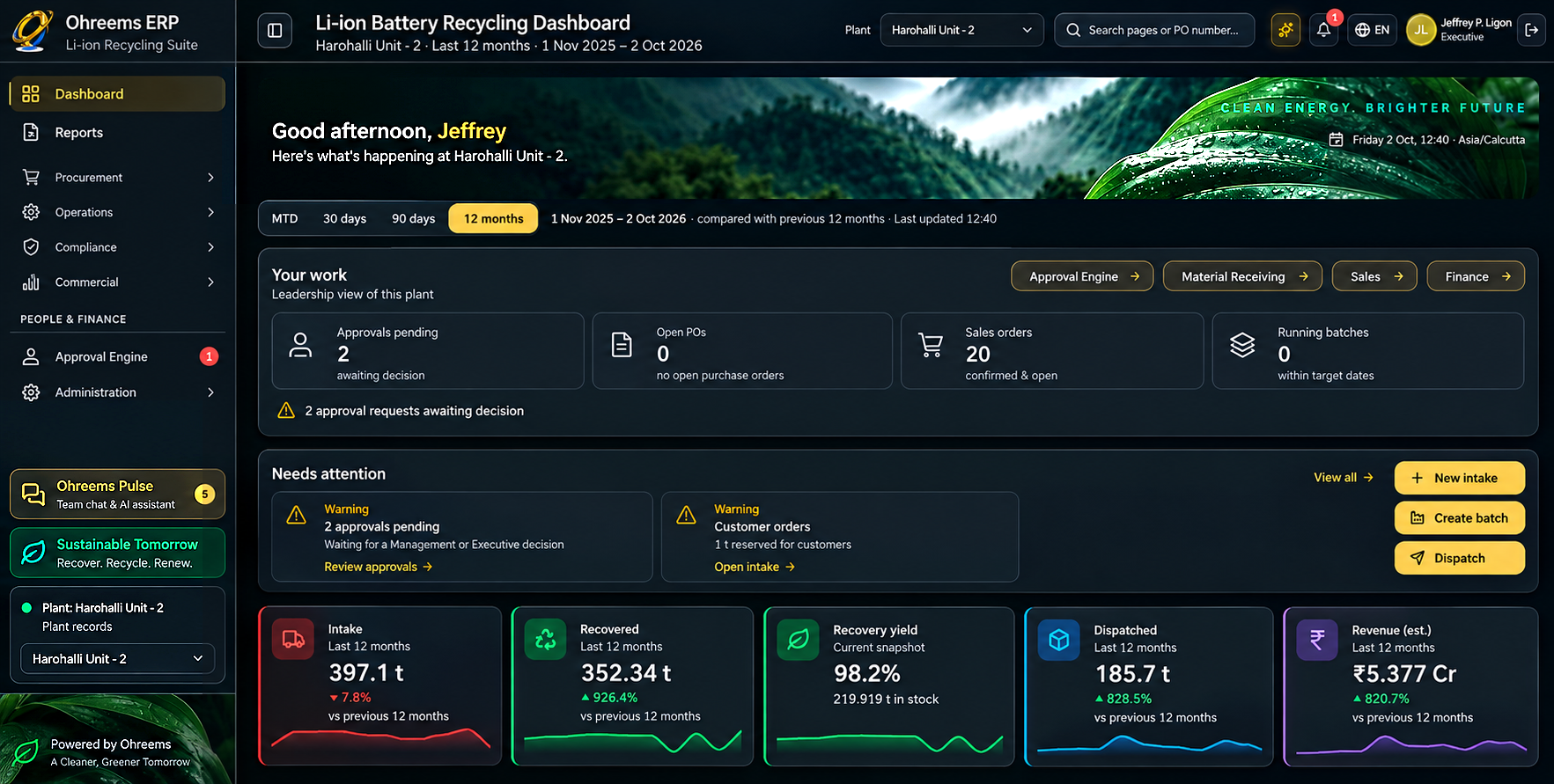
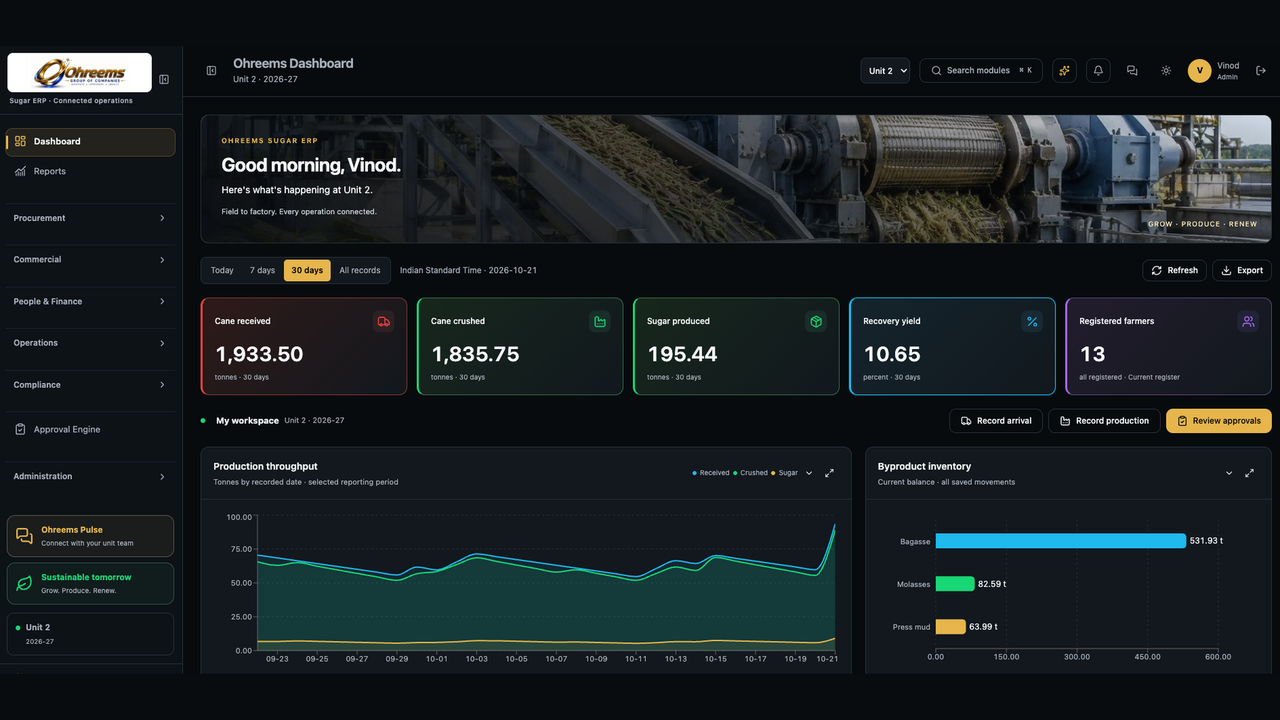
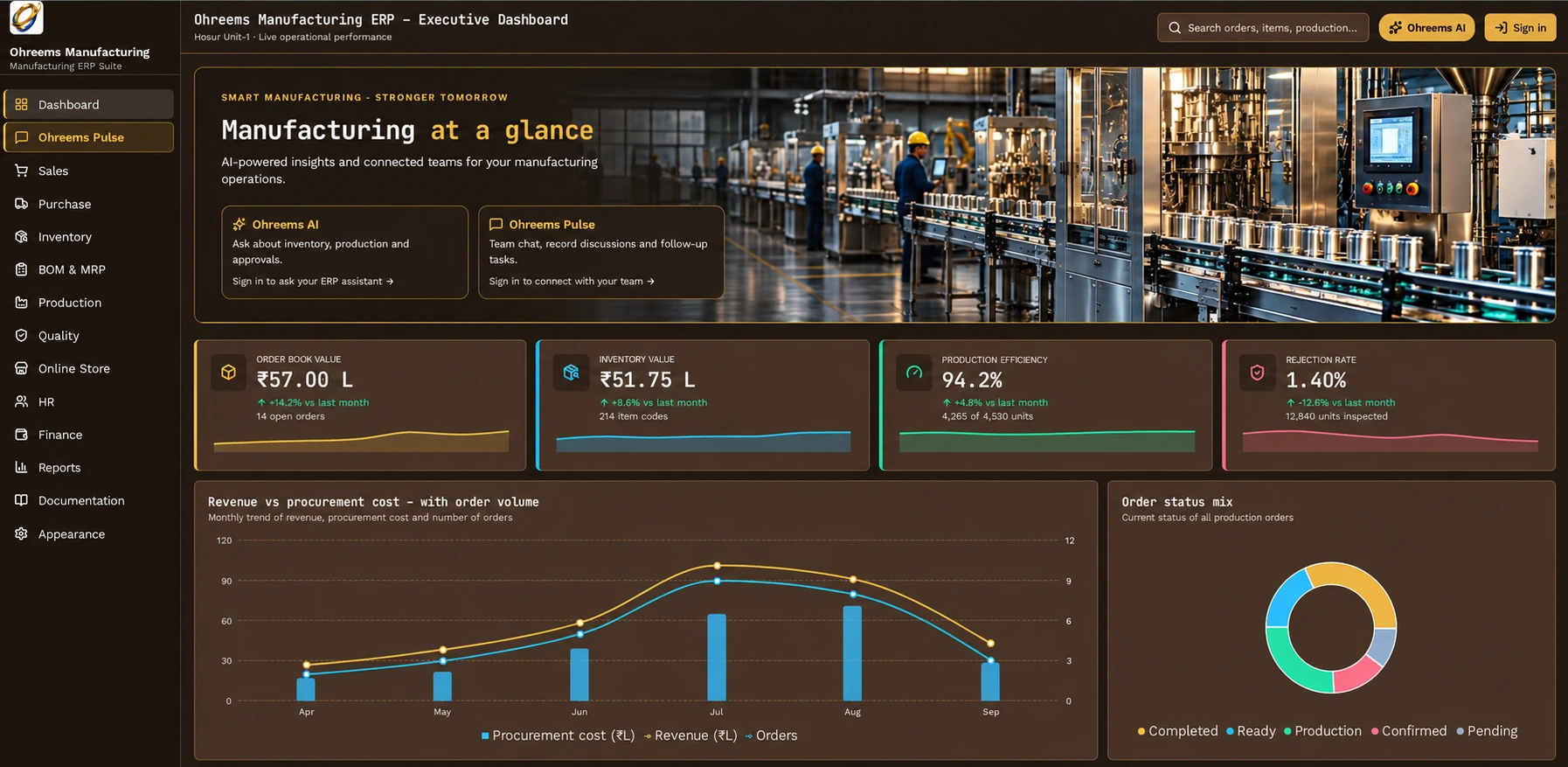
Ohreems Vendor Connect is integrated with Ohreems Recycling ERP, giving suppliers one workspace to follow their business with a buying company across its approved recycling plants. From purchase orders and dispatch requests to material receipts, quality results, invoices and recorded payments, vendors can see their own linked records and coordinate with procurement, receiving and finance teams. Plant filters and successful-sync timestamps make the scope and freshness of information clear.
View material in review, supplied quantities, open purchase orders, pending deliveries, vehicles received and recorded invoice balances. Explore receipt trends and material or chemistry breakdowns for the selected plant.
See the plants approved for your account, supply history, plant-level totals and the last successful Recycling ERP sync. Switch between authorized plants to review the relevant records.
Search purchase orders and review materials, chemistry, ordered, received and remaining quantities. Open a supply record for its receipt, quality and billing details and activity timeline.
Request deliveries or pickups, record actual departure and follow company-recorded vehicle arrival and receipt updates. Keep delivery progress connected to the relevant purchase order.
Follow PO-linked goods receipts, GRN references, recorded weights and available quality results. View received and rejected quantities separately from quality acceptance.
Submit partial invoices, follow company review and view recorded settlements and remaining balances by currency. Invoice approval and payment status are shown separately.
Manage private vendor documents and compliance certificates in one place, with recovery for deleted documents.
Maintain business and registration details and view your linked Recycling ERP supplier information by plant, including Vendor ID, address, GSTIN, contacts and payment terms.
Request access using your Vendor ID and supplier details. Company administrators review and link the account to the appropriate supplier and plants before operational records become available.
Administrators import plant and supplier records, approve account links and synchronize authorized purchase orders, receipts, quality results, bills and payments. Recurring updates depend on the configured background sync schedule.

Book Demo
Talk to our team about your vendor purchase orders, deliveries, materials and invoice workflows.
Your request goes directly to the Ohreems team.
The walkthrough is shaped around your operating model.